Android Layout Inspector启动报错解决
前言
报错
android studio Could not download androidx.compose.ui:ui-android:1.8.2 from maven.google.com
配置Layout Inspector
设置VM
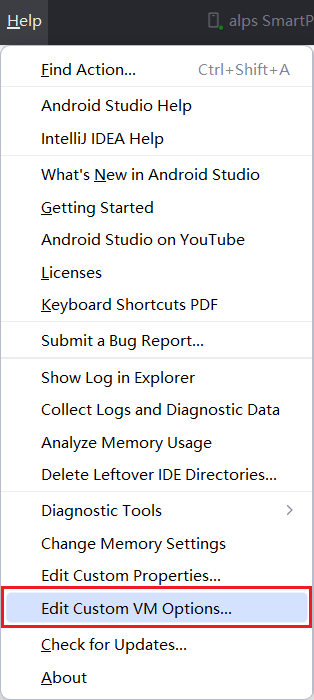
添加如下配置:
1 | # 使用本地Jar |
会提示
找到项目下的依赖
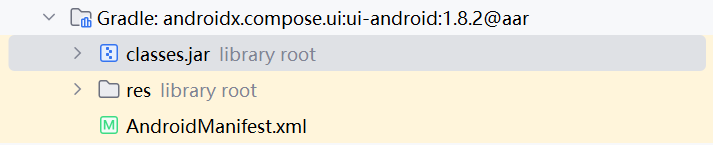
右键打开所在目录
向上一级找到
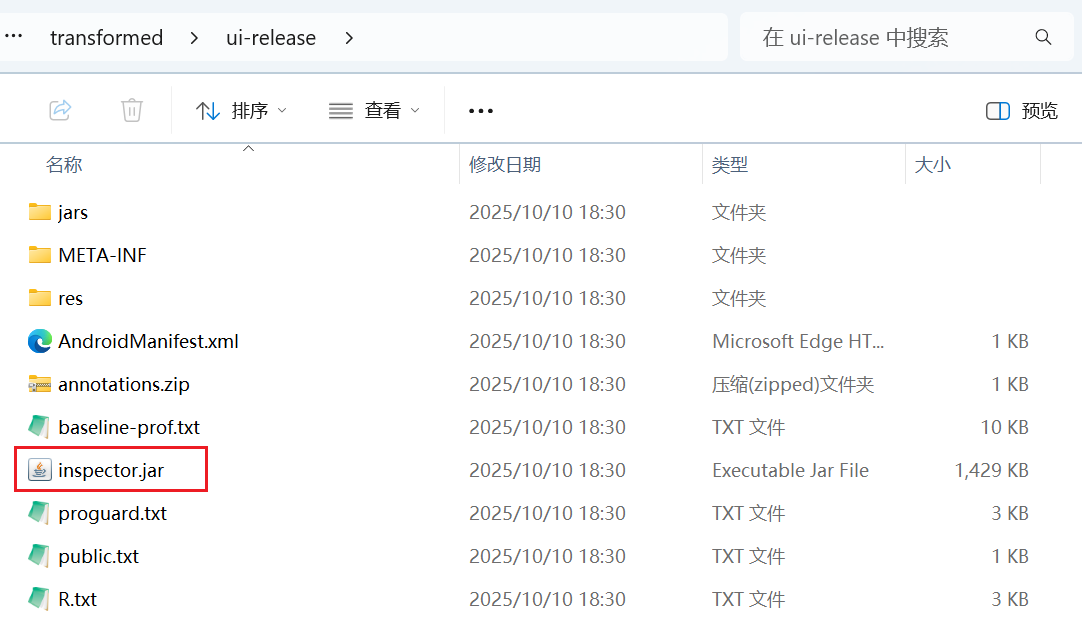
复制inspector.jar这个文件到上面警告的位置,重命名为compose-ui-inspection.jar。
相关配置
配置设备连接是否显示镜像窗口
Settings => Tools => Device Mirroring
在镜像窗口是否显示Layout Inspector按钮
Settings => Tools => Layout Inspector